
Employee Shift Report
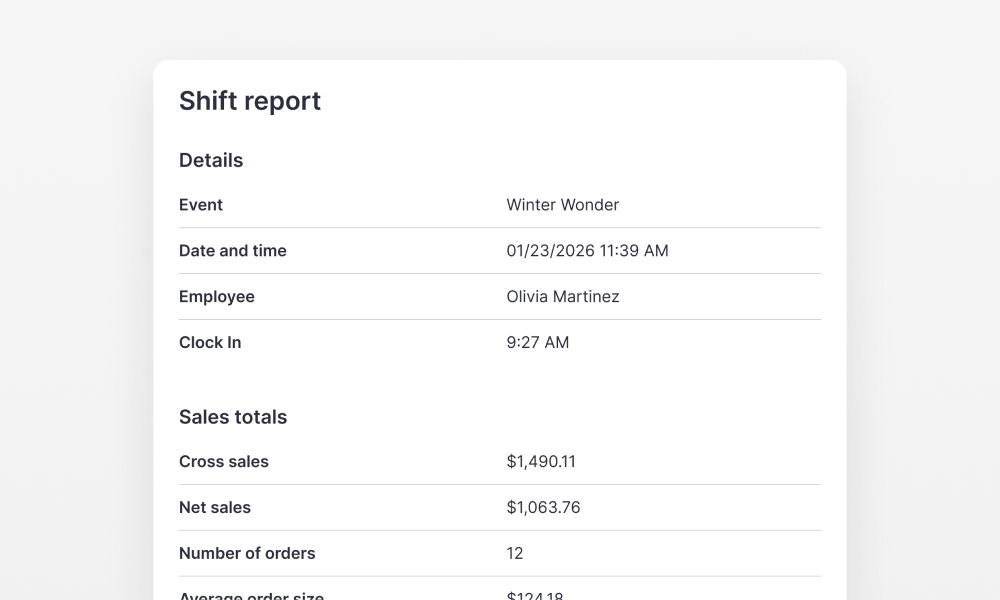
The Employee Shift Report is now available in the Dashboard on the Timecard page. It can also be viewed directly in the Bartender app on the employee page if the employee is clocked in. This allows employees to see their performance and tips during a shift.
Shift Overview
The report provides key information about the shift, including:
- Shift details
- Gross and net sales
- Total number of orders
- Average order value
Payment Breakdown
Employees can also see how payments were made during their shift, including:
- Card payments
- Cash payments
- Other payment methods
Tips Visibility
The report also shows:
- Total tips earned during the shift
- Average tip percentage
This gives employees clear visibility into their performance and tips.
